

Active installs
1K+
Product comparison
Subscription includes
Support
The popup plugin that knows your store. Trigger popups when cart total hits a threshold, when a specific product is added, or when visitors hit your checkout. Target by product, category, or country. Schedule and customise without leaving WordPress.
Splash Popup lets you run unlimited popups on your WooCommerce store: cart-recovery offers, email capture forms, announcement banners, scheduled promotions, and product-specific upsells. Each popup gets its own conditions, triggers, schedule, and design. Build content with the standard WordPress block editor, target by user role, device, country, page, or product, and trigger on page load, scroll depth, cart total, product added, or exit intent.
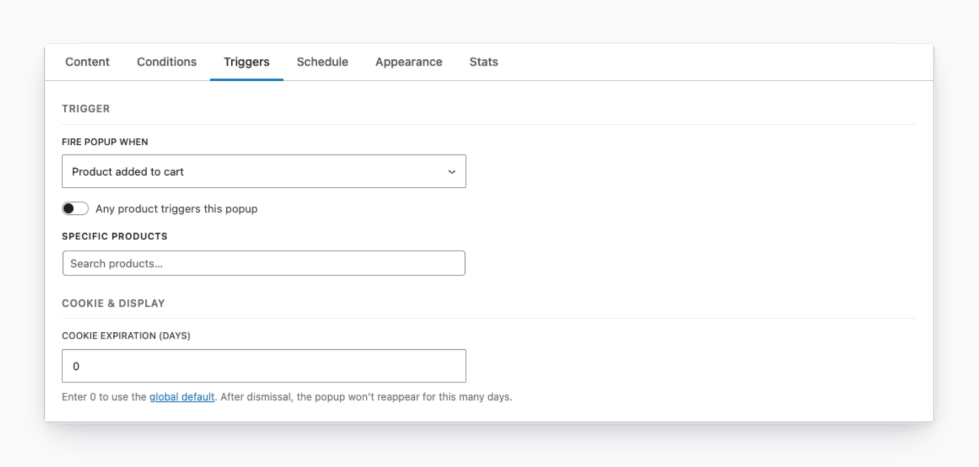
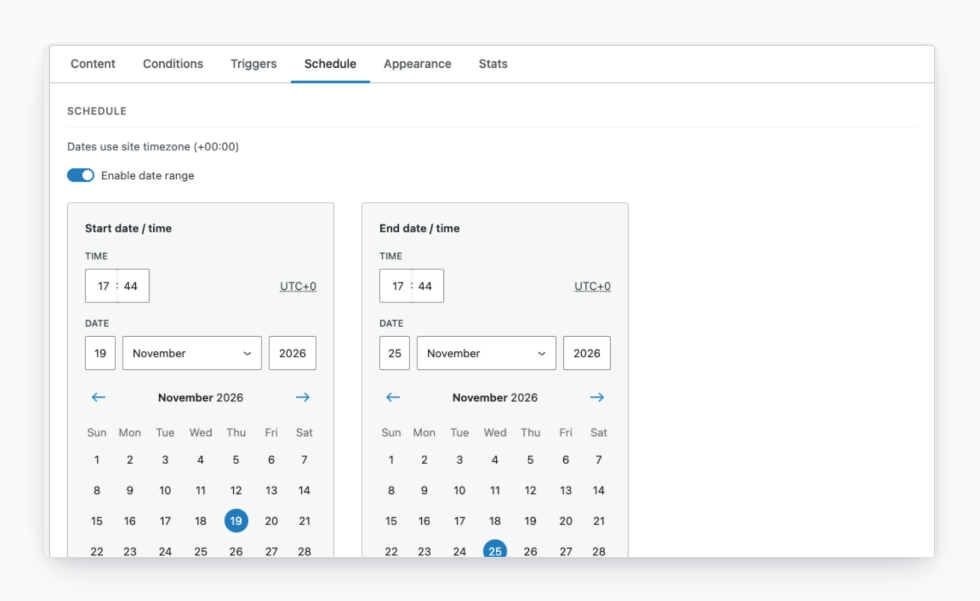
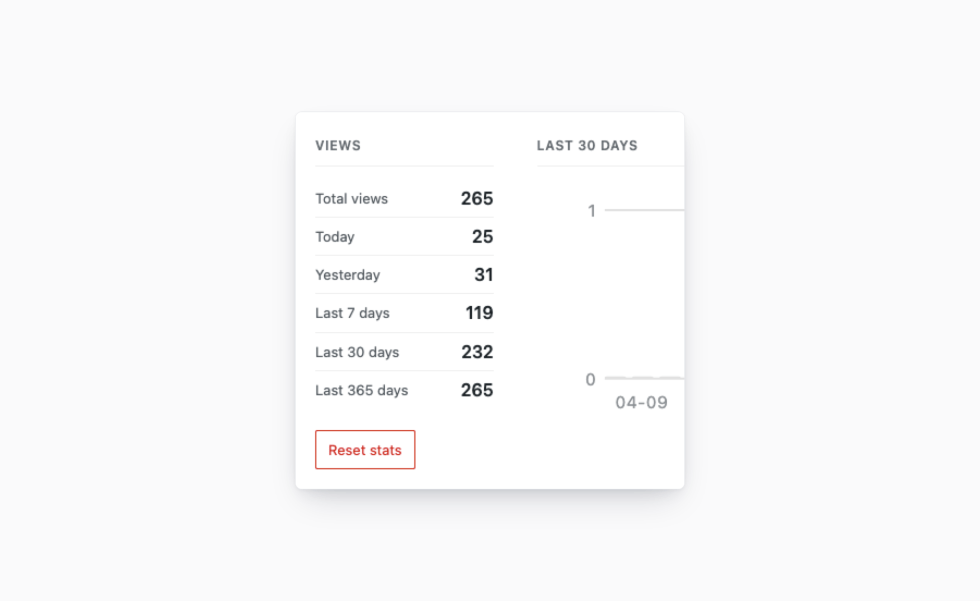
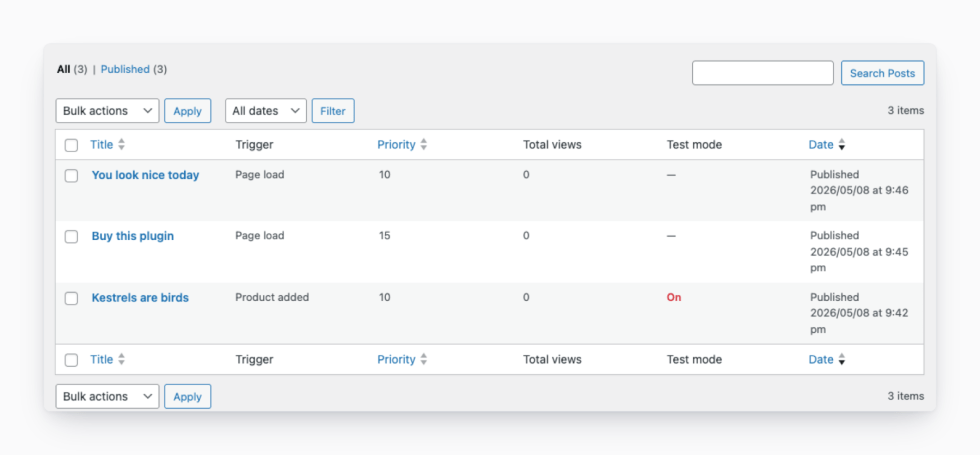
Most popup plugins are built for generic websites and bolted onto WooCommerce as an afterthought. Splash Popup is designed specifically for WooCommerce stores.
Knows what’s in the cart. Trigger popups by cart total, by specific product added, or on the WooCommerce pages where it matters most: shop, cart, checkout, product, or category. Lives under WooCommerce → Popups, uses WooCommerce’s MaxMind geolocation, and integrates cleanly with the rest of your store.
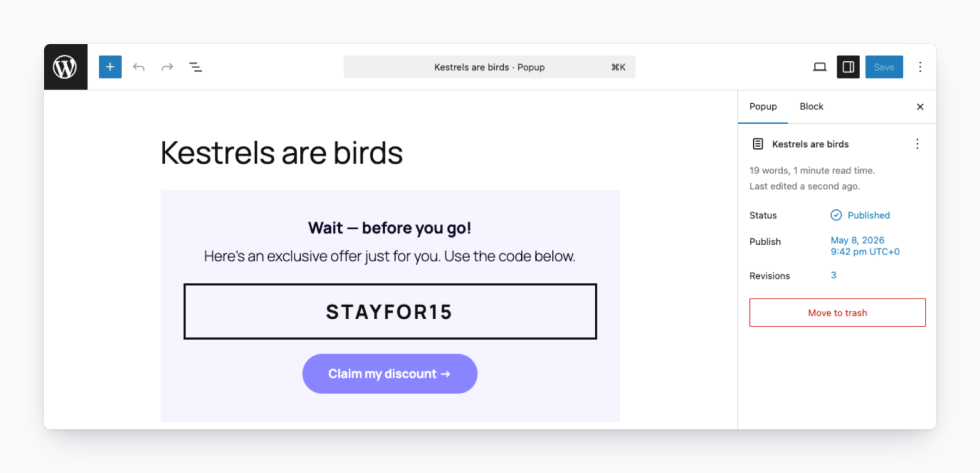
Your content, your blocks. No proprietary editor to learn. Popup content lives in the standard WordPress block editor, with access to every block on your site.
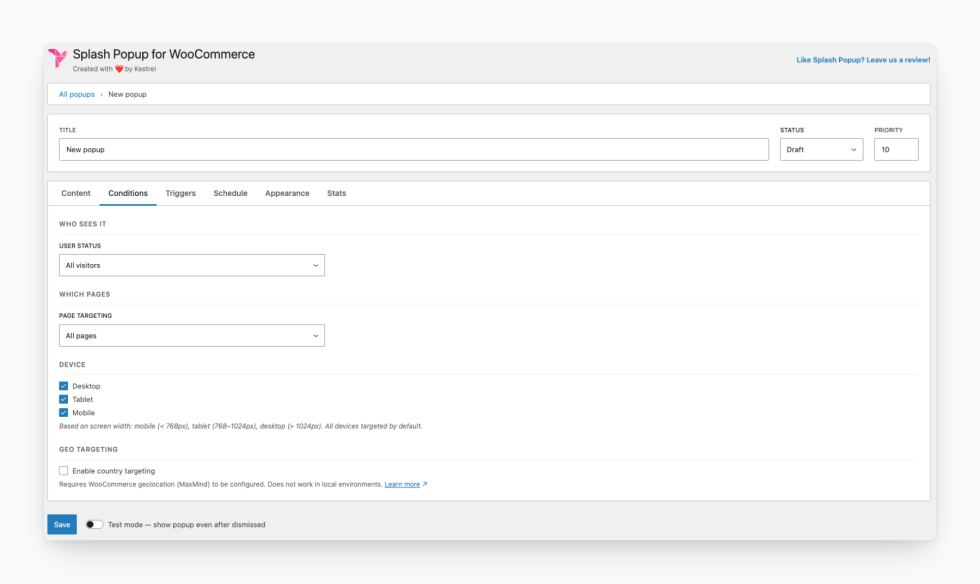
Precision without complexity. Eight targeting contexts, five triggers, device and geo targeting, and scheduling. All in one focused settings screen.
Respects your visitors. Cookie-based frequency control means your popups inform rather than harass.
Adding your first popup takes a few minutes once Splash Popup is installed.
Built and supported by Kestrel, the team behind 40+ WooCommerce extensions.
Made by 
No. Popup content is built using the standard WordPress block editor — the same editor you use everywhere else in WordPress. Any block on your site works inside a popup, including WooCommerce blocks.
No. Each popup has its own cookie-based frequency control. You set how long the cookie lasts, and the popup won't show again until it expires. There's also a global default if you don't need per-popup settings.
Yes. You can target all visitors, logged-in users only, or logged-out visitors only. You can narrow it further by user role if needed.
Yes. Splash Popup integrates with WooCommerce's built-in MaxMind geolocation, so you can restrict any popup to one or more countries and show region-specific offers.
No. Popup assets are only loaded when a popup actually matches the current visitor. If no popup matches, no popup code loads at all.
Yes. Each popup can have a start date, an end date, or both. Outside the scheduled window the popup is skipped — no manual toggling needed.
There are five: page load (with optional delay), scroll depth, cart total reached, product added to cart, and exit intent.
Yes. Page targeting lets you narrow down to specific products, specific categories, or any combination of page types including the shop, cart, checkout, and search results.
Yes, and you have full control. Each popup can be enabled or disabled independently for desktop, tablet, and mobile.
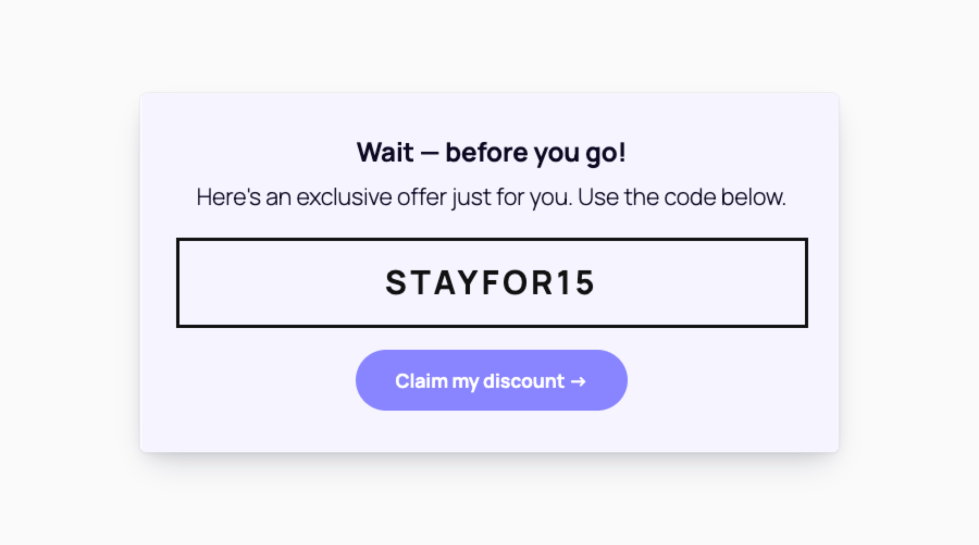
Go to WooCommerce → Popups and click Add new. Six ready-made templates are included — coupon code, newsletter signup, flash sale, feedback, exit intent, and free shipping - so you can pick one andcustomise rather than starting from scratch.
Categories
Extension information
Quality Checks
Compatibility
Countries







